

This page covers features gated by Admin-tier permissions — typically Settings access. Admins have these by default; your administrator can adjust who has them in Settings > Team.
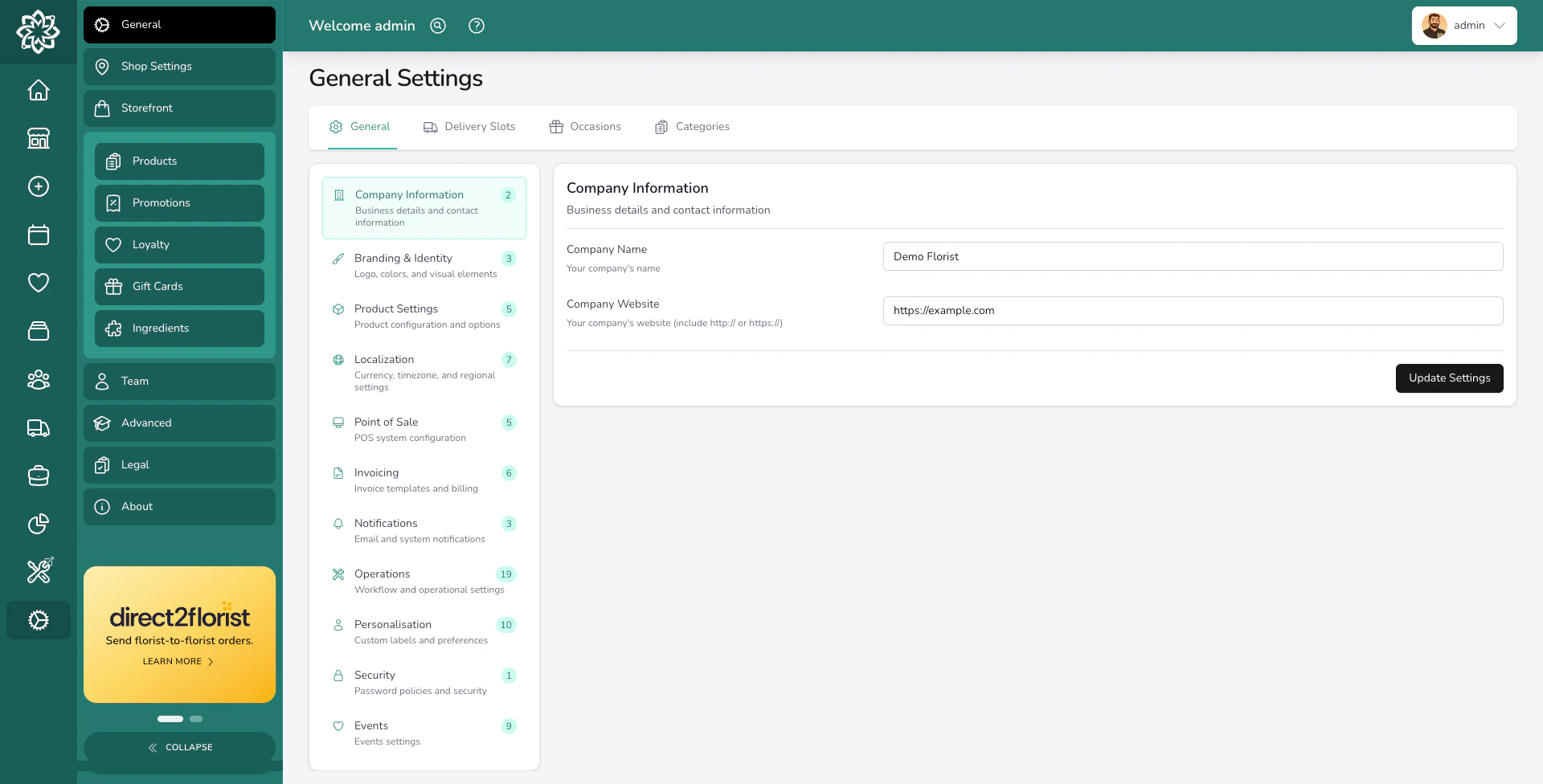
General Settings overview
Where these settings live
Go to Settings > General Settings. The page has four top-level tabs:- General — the main settings page, grouped into sections like Your Business, Order Defaults, Delivery, Printing, Invoicing, Notifications, Features, and Regional and Access.
- Delivery Slots — set up your delivery time windows. See Delivery Slots.
- Occasions — manage the occasions customers can pick from (birthday, anniversary, sympathy, and so on).
- Categories — set up product, ingredient, task, event, and order-source categories.
Your business
Open the Your Business group on the General tab to set: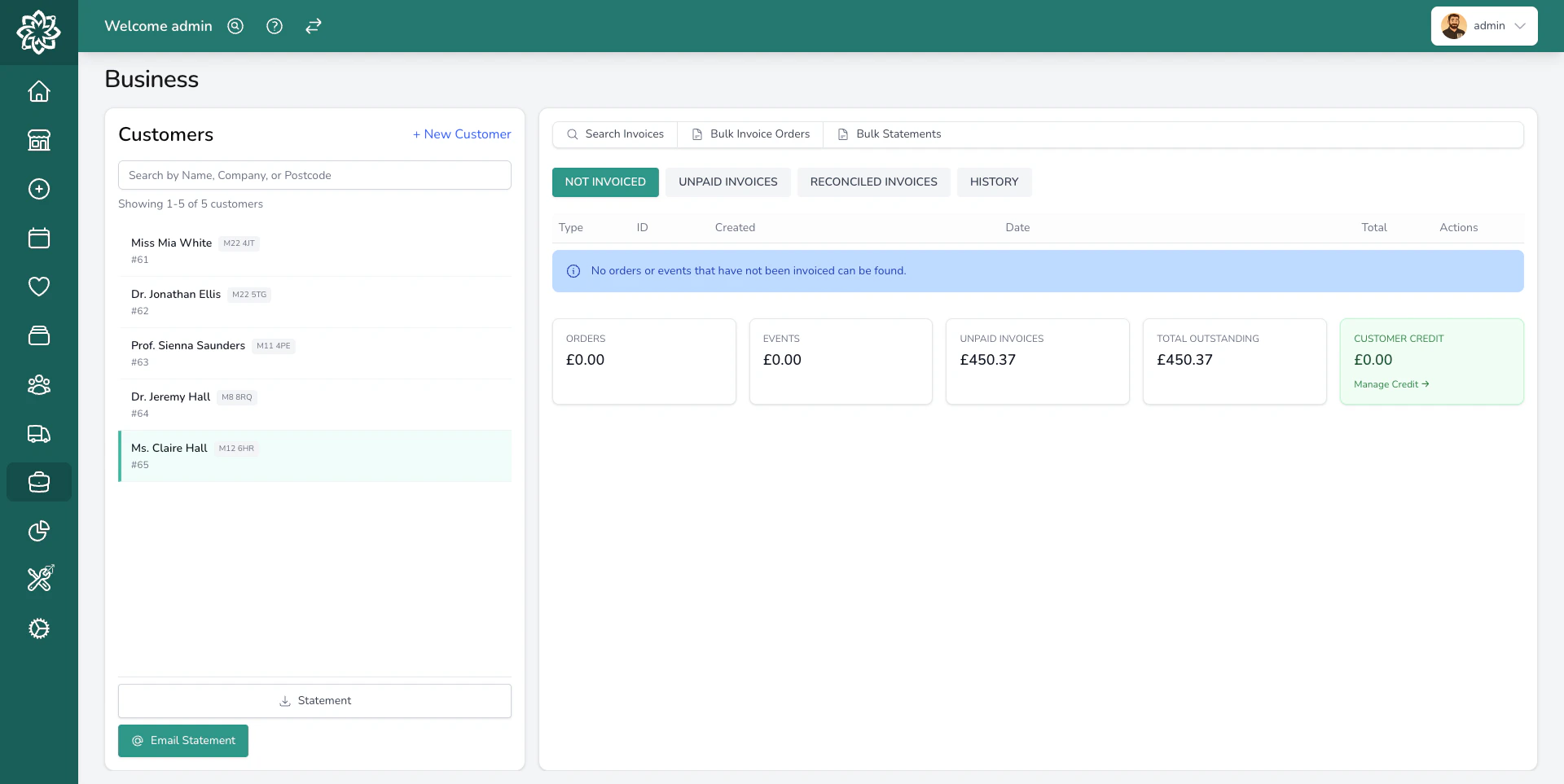
Your business contact details
- Company Name — appears on receipts, invoices, and notification emails.
- Company Website — used in customer-facing communications.
- Logo and Icon — used on receipts, invoices, and notification emails.
Branding settings for your shop
Regional and access
Open the Regional and Access group on the General tab to set:- Timezone — controls how dates and times are interpreted across the shop.
- Currency — the currency used for prices, transactions, invoices, and reports.
- Country — drives default postcode handling, phone formatting, and tax behaviour.
- Phone display format — national, international, or E.164.
- Unit of measure — miles, kilometres, or feet for delivery distances.
Default tax rate
Open the Invoicing group on the General tab to set the default tax rate used when creating new products. You can set up multiple tax rates (for example, Standard 20%, Reduced 5%, Zero 0%) and assign different rates to individual product variants from the product editor.Order defaults
The Order Defaults group controls behaviour when staff create an order — for example, the default order status (Unconfirmed, Confirmed, or Ready for fulfilment) when saving a new order. Adjust these to match how your shop works day to day.Printing
The Printing group controls how worksheets and address labels print. A few settings worth knowing:- Address Label Copies — print one address label per product line (the default), per item, or per order. When an order prints more than one label, the set is numbered.
- Show Product Descriptions on Worksheets — on by default. Shows each product’s catalogue description on the worksheet.
Order cut-offs
Cut-off times are set per delivery slot, not tenant-wide. Open Settings > General Settings > Delivery Slots, edit a slot, and set its Same Day Cutoff Time to control how late customers can book that slot for today. See Delivery Slots for the full setup.Fulfilment methods
Fulfilment settings for a location
What’s next?
Locations
Set up shop addresses, opening hours, and per-location fulfilment.
Delivery Slots
Configure delivery windows, charges, and same-day cut-offs.
Team
Add team members and set permissions.
Integrations
Connect your website, couriers, payment providers, and relay networks.