

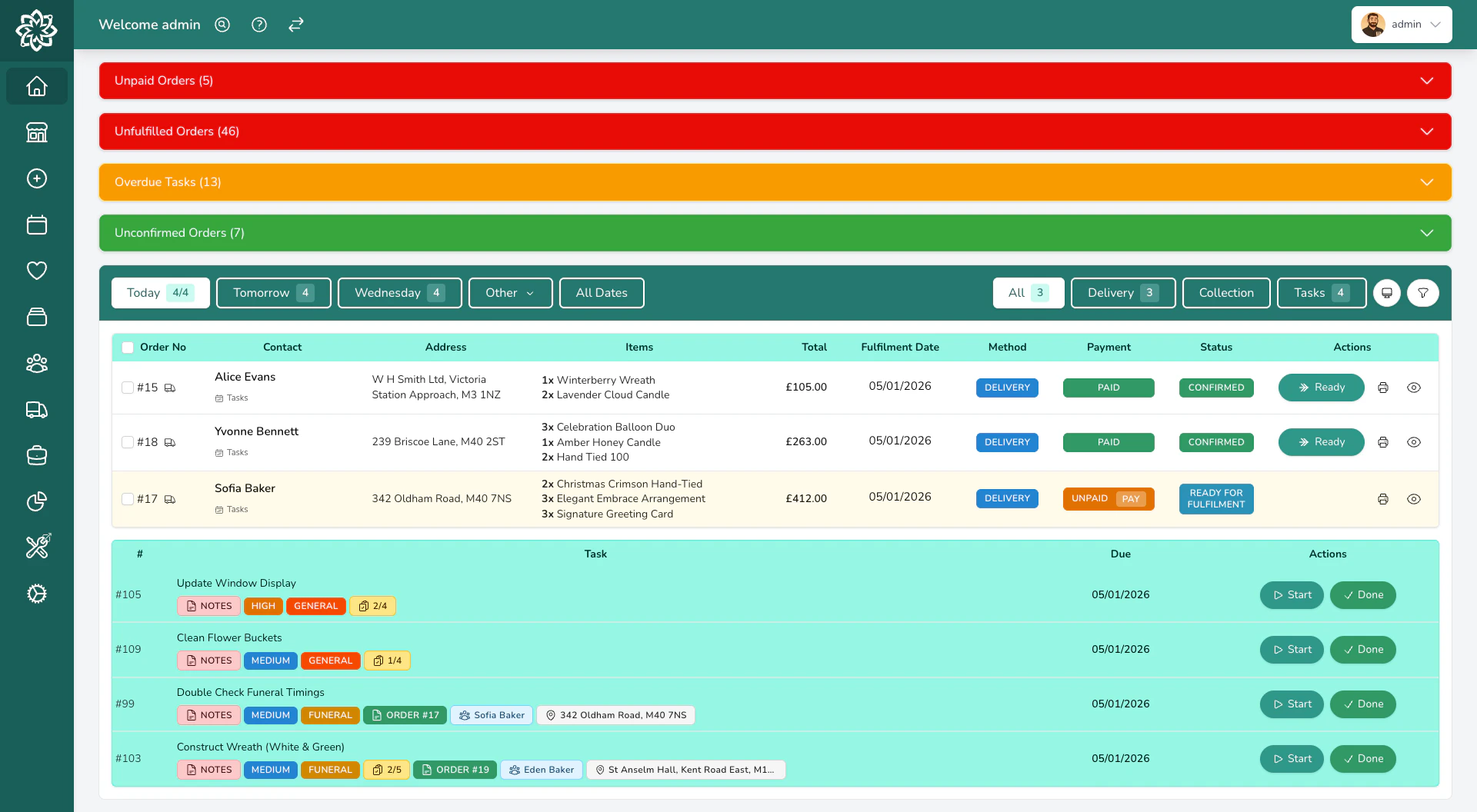
What you can do
Manage orders
Take orders by phone, in person, or from your website. Track every order from creation to delivery.
Plan deliveries
Build delivery runs, optimise routes, and follow your drivers’ progress from the dashboard as they work through the run.
Sell in-store
A full point of sale for walk-in customers with receipt printing, cash drawers, and card payments.
Run events
Manage weddings, funerals, and corporate events with proposals, recipes, and client portals.
Track stock
Know exactly what stems and sundries you have, what you need to order, and what each arrangement costs.
See how you're doing
Sales reports, customer insights, peak period analysis, and end-of-day cashups.
And the rest
Beyond the everyday, Digital Florists also gives you:- Products & pricing — Manage your catalogue with variants (Standard, Large, Luxury), images, and ingredient recipes
- Customer profiles — Order history, occasions, loyalty points, and notes for every customer
- Team management — Add your staff, assign roles, and control who can see what
- Automated notifications — Order confirmations, delivery updates, and payment reminders sent automatically
- Gift cards & loyalty — Sell gift cards and reward returning customers
- Promotions — Discount codes and campaigns to boost sales
- Integrations — Connect to Stripe, Shopify, WooCommerce, Interflora, Direct2Florist, and more
- Mobile app — Your drivers and florists get their own app for deliveries and shop-floor tasks
New here?
Start with the guide that matches your role:Owners & Managers
Set up your shop, add your team, and learn the tools you’ll use to run the business.
Shop Staff & Florists
Learn the essentials — orders, the till, and your day-to-day workflow.
Drivers
Get the app, view your runs, and start delivering.
Getting help
When you’re stuck, search the docs (Cmd+K / Ctrl+K), message your shop’s private WhatsApp group with our support team, email us at hello@digitalflorists.com, or browse our YouTube channel.
See Getting Help for the full list and what each channel is best for.