

This page covers features gated by Admin-tier permissions — typically Settings access. Admins have these by default; your administrator can adjust who has them in Settings > Team.
Banners
Post a notice at the top of your dashboard pages. Use it for anything your team needs to see for a while, such as a bank holiday cut-off or a change to the delivery run. Click Add, give the banner a title and message, and pick a Type to set its colour. Set Starts at and Ends at to show it for a fixed window, or leave them blank to show it until you delete it. Leave Route blank and the banner shows on every page, or enter a page to show it there only. Tick Dismissible if your team can close the banner once they’ve read it, and add a button if you want it to link somewhere.Tax Rates
The tax rates your products and orders can use. Each rate has a Name and a Rate as a percentage. Click Add to add one, or the pencil beside a rate to change it.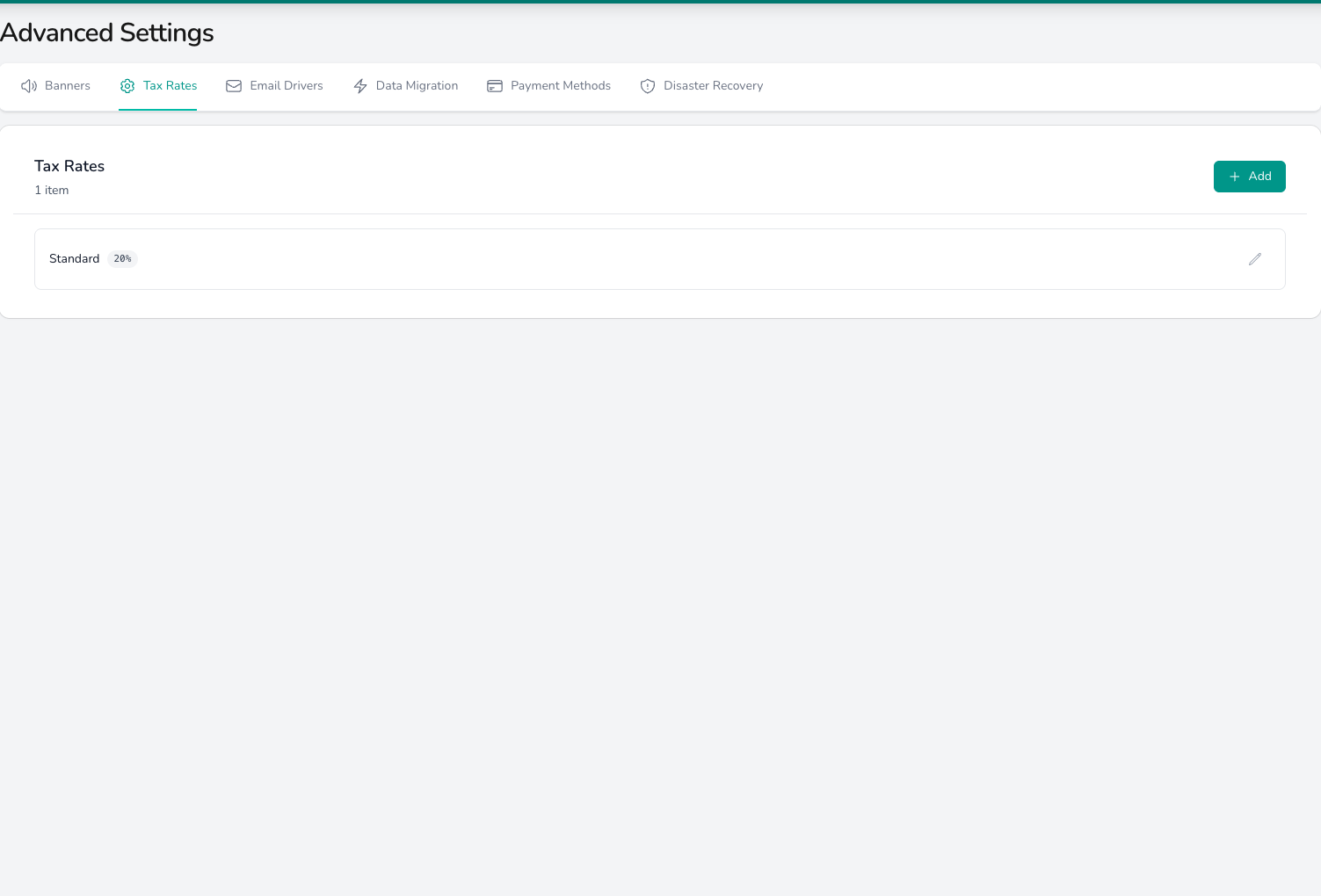
Each tax rate is listed with its percentage, with a pencil to edit it and Add for a new one.
Email Drivers
Send customer emails from your own address instead of the Digital Florists sender. Leave this tab empty and every email goes out from the free@florists.digital sender.
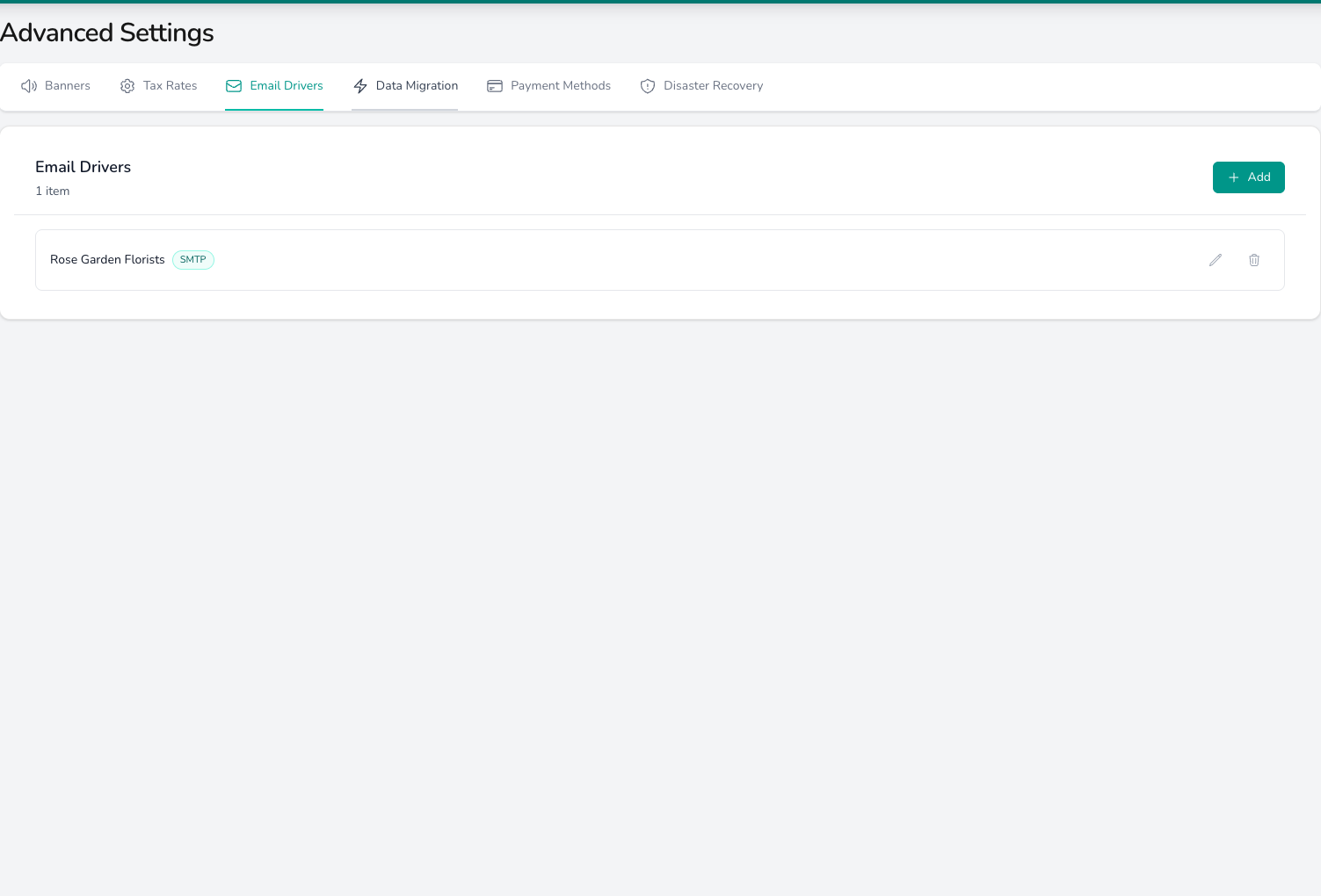
A saved driver shows its name and type in the list, with a pencil to edit it and a bin to remove it.
Data Migration
Convert product and customer exports from another system into files you can import. The tool and its supported platforms are covered in Migrating from another system.Payment Methods
The payment methods your team picks from at the till and on orders, and how each one counts at cash-up. What each setting does, and how to add your own, is covered in Payment Methods.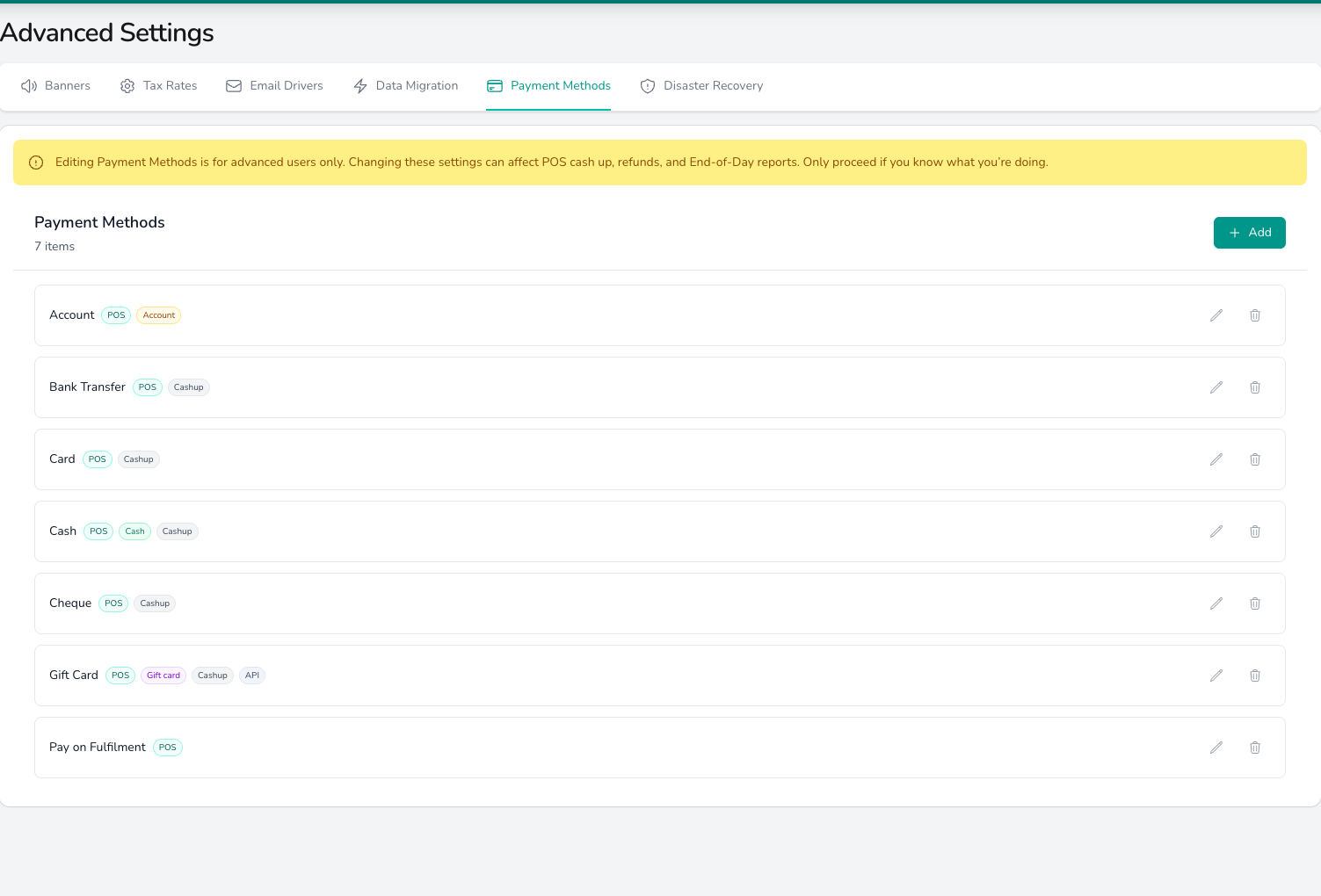
Each payment method carries tags showing where it's offered and how it counts at cash-up.
Disaster Recovery
Download every label, worksheet and order sheet for a chosen day when your printers or internet let you down. See Disaster Recovery.What’s next?
Payment Methods
What each payment method setting controls and how to add a custom method.
Invoices & tax
The default tax rate, price display and invoice layout.
Imports
Product and customer imports, including migrating from another system.
Disaster Recovery
Every piece of paperwork for a day in one download.