

What you’ll find
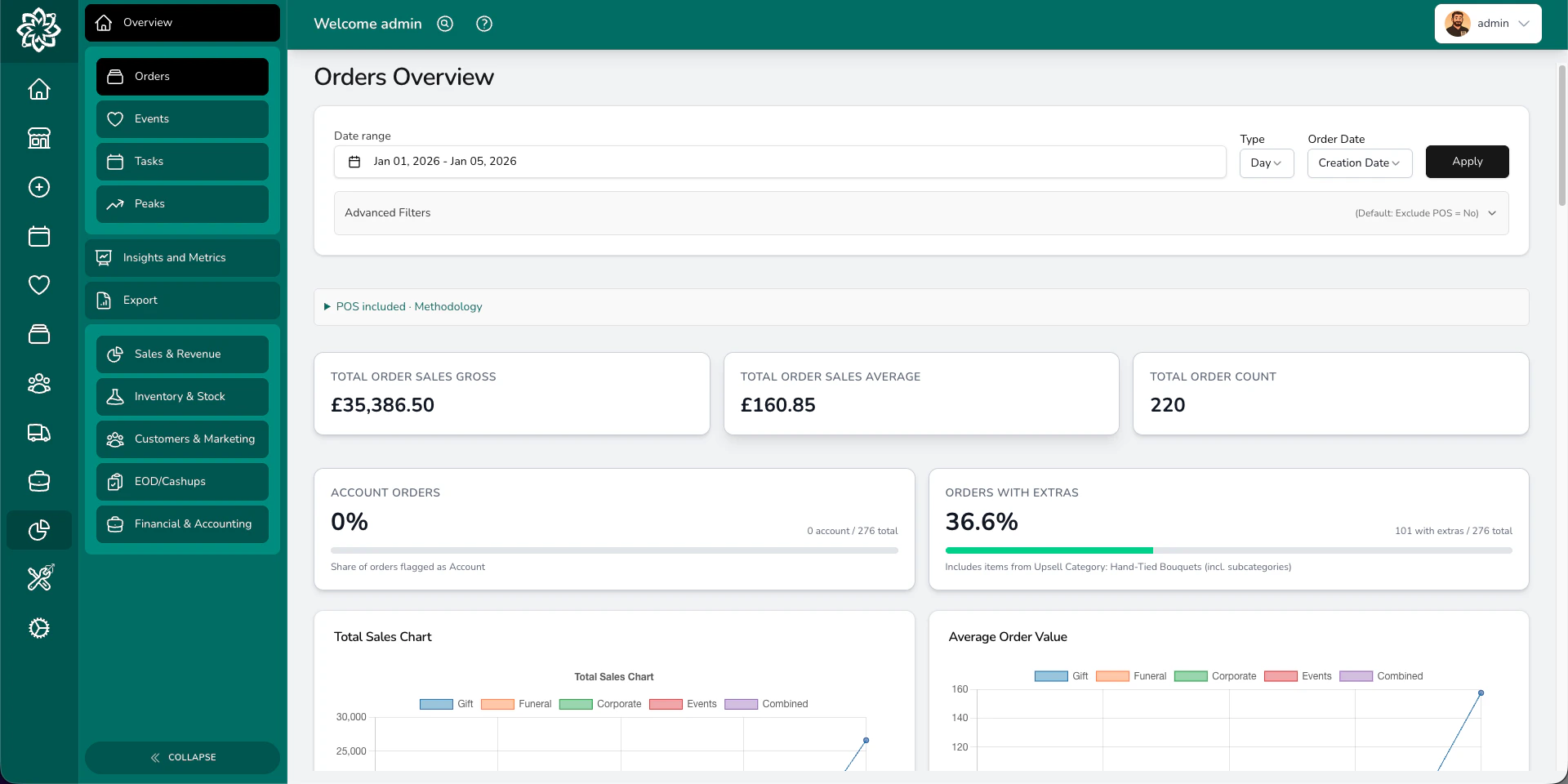
Analytics is split into four areas, each giving you a different view of your business.Orders
The Orders overview shows your sales at a glance — total revenue, order count, and average order value. You can view trends by day or month, switch between order date and fulfilment date, and break things down by occasion, source, fulfilment method, or payment method. Use this to answer questions like:- How much did we take this week?
- Are customers spending more or less than last month?
- Which occasions bring in the most revenue?
- Where are our orders coming from — website, phone, or walk-in?
Events
The Events overview tracks your weddings, funerals, and corporate events. It shows event counts by month, predicted revenue versus actual paid revenue, and how events move through statuses over time. Use this to answer:- How many events are booked for the coming months?
- How does our predicted event revenue compare to what we’ve actually collected?
- Are we converting more quotes into confirmed events?
Tasks
The Tasks overview shows task volumes over time — how many tasks your team is completing each day or month. Useful for understanding workload patterns and planning staffing.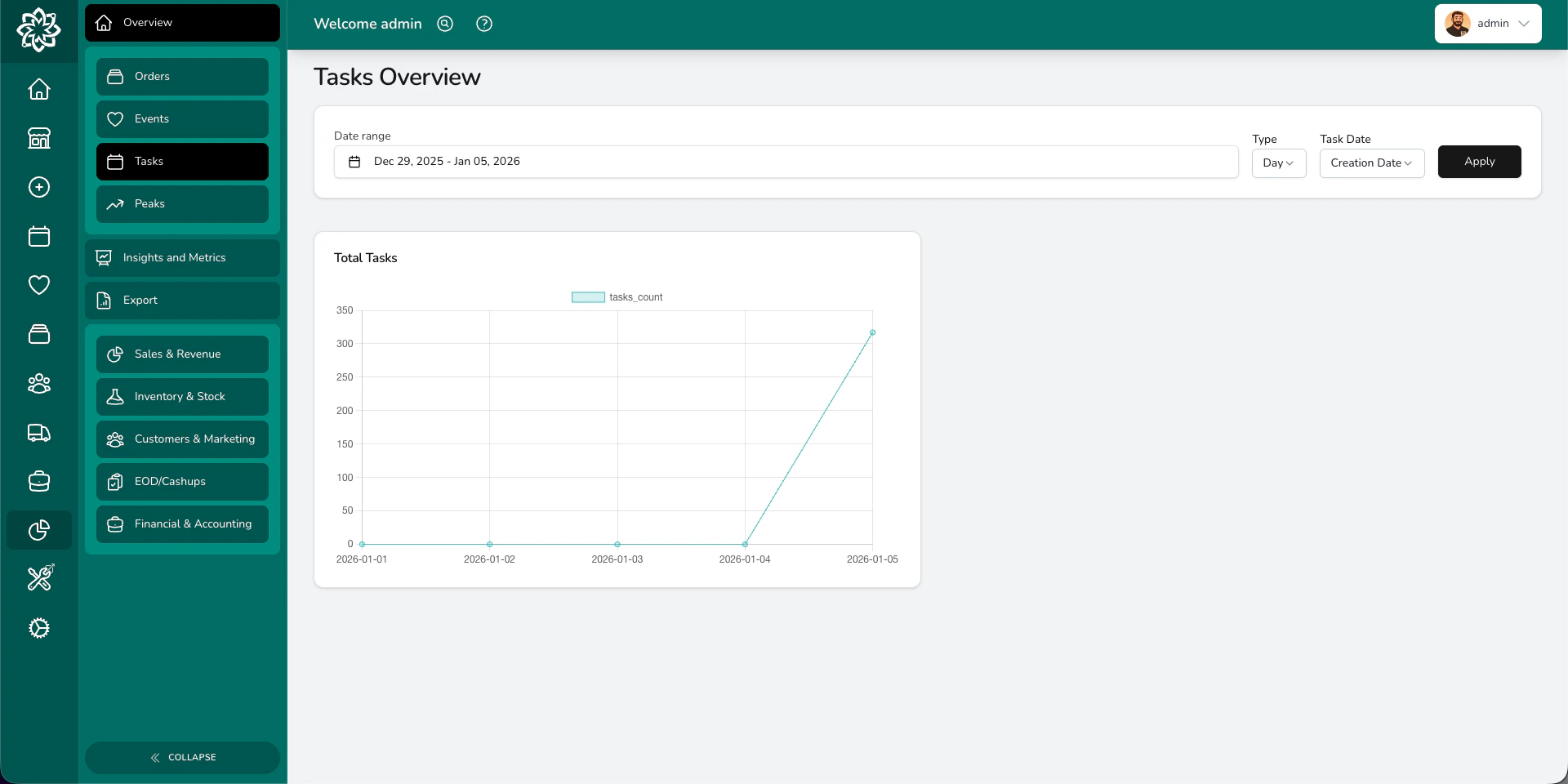
Peaks
Peak reporting helps you plan for your busiest periods — Valentine’s Day, Mother’s Day, Christmas, and more. It compares year-on-year performance so you know exactly how much to order and how many staff you’ll need. Peak reporting is a premium feature. Learn more about peak reporting →Filtering your data
Every overview page lets you filter by:- Date range — pick any start and end date
- Date type — switch between order date and fulfilment date
- Location — if you have more than one shop, view each separately
- Exclude POS — remove walk-in till sales to see only online/phone orders
Going deeper
Beyond the overview pages, Analytics gives you two more powerful tools:Insights
Deeper analysis across staff performance, products, customers, orders, events, and delivery. Filter by category and drill into the detail.
Reports
Generate and download detailed reports across sales, inventory, customers, financials, and end of day. Export as Excel or CSV.
Common questions
How far back does the data go?
How far back does the data go?
Your analytics include all data from when you started using Digital Florists. There’s no limit on historical data.
How often do the numbers update?
How often do the numbers update?
Analytics update in real time as orders are created, updated, and fulfilled.
Who can see analytics?
Who can see analytics?
Only Admins and Managers have access to analytics. Staff and Drivers cannot see them.
What’s next?
Peak Reporting
Compare your busiest periods year-on-year and plan ahead.
Insights
Drill into staff, product, and customer performance.
Reports
Download detailed reports for every area of your business.
End of Day
Reconcile your till and close out the day.