

Cash
Cash payments are available at the POS only.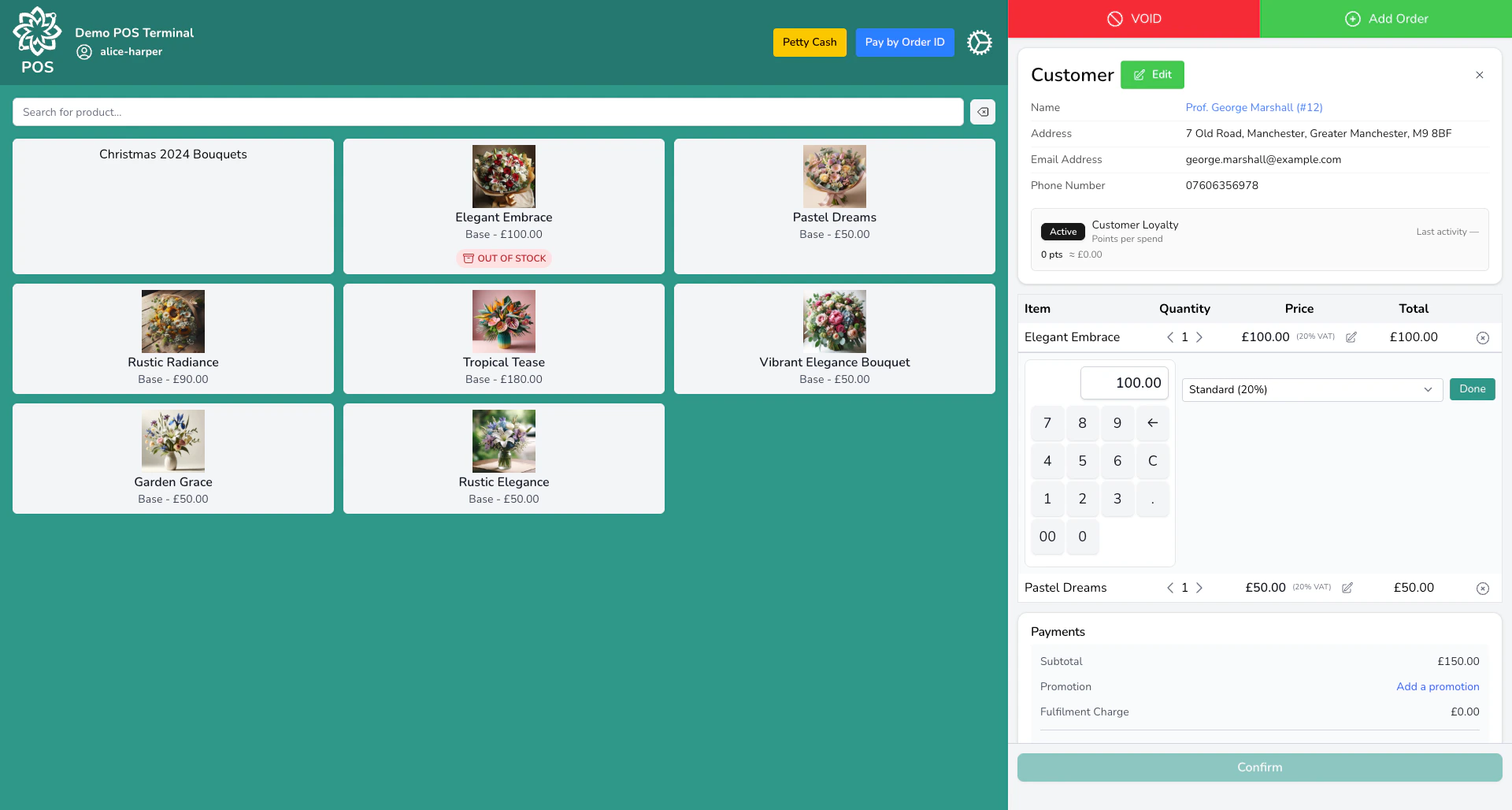
Tap a quick-cash button or type the amount
Use the quick-cash buttons (£5, £10, £20, £50) or type the exact amount the customer hands you using the numpad. You don’t need to enter the order total — enter what the customer gives you and the till works out the rest.
Check the change
The till acts as a change calculator. If the customer hands over more than the total, it shows you exactly what to give back:
- Tendered — what the customer handed over
- Applied — the amount that goes toward the sale
- Change — what you give back
Card
At the POS
When you select card as the payment method, the payment is sent to your connected card terminal. The customer taps, inserts, or swipes their card, and the terminal reports the result back to the POS. Digital Florists works with four terminal providers:- Stripe Terminal — contactless, chip & PIN, Apple Pay, Google Pay
- PaymentSense
- Cardstream
- Sumup
If a card payment fails or is declined, the POS stays on the payment screen so you can retry or choose a different method. Nothing is charged until the terminal confirms success.
Online (payment links, events, invoices)
For payments that happen outside the POS — event deposits, invoice payments, or when a customer can’t pay in person — the system uses Stripe to create a secure online checkout page. You send the customer a payment link via email or SMS. They click it, enter their card details on the checkout page, and the payment is recorded automatically. See Payment Links below.Gift cards
The customer provides their gift card code (format: XXXX-XXXX-XXXX-XXXX) and 4-digit PIN. The system checks the balance and shows the available amount.- If the gift card covers the full amount, the sale is paid in full.
- If the balance is less than the total, the gift card is fully redeemed and the customer pays the remainder with another method (a split payment).
Account (on account)
For customers with a credit account, you can charge the sale to their account for later invoicing. This is useful for trade customers, corporate clients, or anyone who pays on terms.Select the customer
The customer must be assigned to the sale or order before you can use account payment.
Choose Account as the payment method
The Account option only appears if the selected customer has a credit account on their profile.
Loyalty
If you have a loyalty programme running, customers can redeem their rewards when paying. Digital Florists supports two loyalty types:- Points-based — the customer earns points on purchases and spends them as a discount
- — the customer earns punches and redeems a reward when the card is full
If an order with a loyalty redemption is cancelled, the points or punches are automatically returned to the customer’s balance.
Payment links
You can send a payment link to a customer via email or SMS. When they click it, they’re taken to a secure Stripe checkout page where they can pay by card. Once they pay, the transaction is recorded automatically and the order or invoice is marked as paid. Payment links are used for:- Phone orders where the customer wants to pay remotely
- Event deposits
- Outstanding invoices
- Any situation where the customer isn’t in front of you
Split payments
You can across multiple methods in any combination. For example, a customer might pay £20 with a gift card and the rest by card, or use loyalty points for part of the total and cash for the rest.Apply the first payment
Choose a payment method and enter the amount. The system records the payment and shows the remaining balance.
Pay by Order ID
If a customer comes in to pay for a phone or website order, use Pay by Order ID at the POS instead of creating a new sale. Enter their order number and the POS shows the outstanding balance. The payment gets linked to the existing order — no duplicate is created. This keeps your order history clean and ensures the correct order is marked as paid.Common questions
What happens if a card payment times out?
What happens if a card payment times out?
At the POS, the screen stays on the payment step. You can retry the card payment or switch to a different method. No charge is made until the terminal confirms success. For payment links, the customer can try again from the same link.
Can a customer pay with two different cards?
Can a customer pay with two different cards?
Yes. Use a split payment — apply the first card payment for a partial amount, then apply the second card for the remainder.
Do gift cards expire?
Do gift cards expire?
That depends on your gift card settings. See Gift Cards for details on setting expiry dates and policies.
Can I accept account payments without a customer selected?
Can I accept account payments without a customer selected?
No. Account payment requires a customer with a credit account on their profile. Select the customer first.
How do I know which payment methods are enabled on my till?
How do I know which payment methods are enabled on my till?
Each device has its own accepted payment methods. Check your device settings in Settings > Advanced > Devices, or see the Devices guide.
What’s next?
Payment Methods
What each method does and how to add your own.
Refunds
Process refunds by order, by transaction, or as a standalone adjustment.
Point of Sale
The full POS guide for walk-in sales.
End of Day
Close your till and reconcile payments.